
Host laptop: 14.0-inch Full HD (1920 × 1080), 1200-nit DynaVue capacitive multi-touch display; finger/water, glove and stylus modes
Ground Control Systems
NZ-14
Rugged control station with an optional 14-inch × 3 display configuration.
NZ-14 brings a rugged 14-inch laptop and an optional 14-inch × 3 display configuration together with dedicated physical controls in one folding station. Configure the displays, joystick and throttle layout, switches and rear interfaces around your aerial, ground, marine or remote-equipment application.
- Expandable visual workspace
- Dedicated operator controls
- Configurable rear interfaces
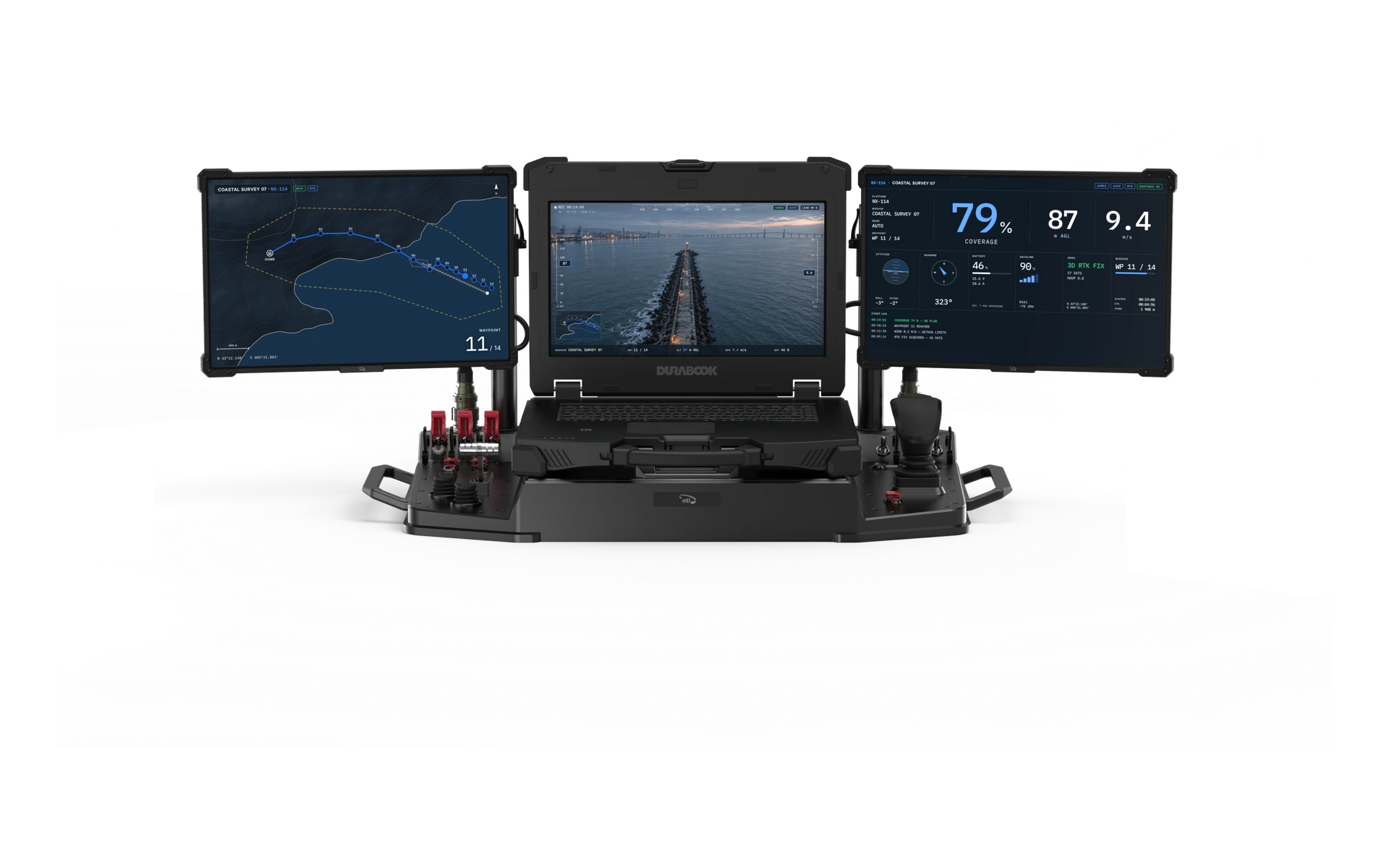
Standard Configuration
Explore the NZ-14 from every side.
NZ-14
NZ-14 brings a rugged 14-inch laptop and an optional 14-inch × 3 display configuration together with dedicated physical controls in one folding station. Configure the displays, joystick and throttle layout, switches and rear interfaces around your aerial, ground, marine or remote-equipment application.
Optional 14-inch × 3 configuration: the 14-inch laptop plus two 14-inch auxiliary displays; single-, dual- or triple-screen layouts with adjustable display arms
3-axis joystick, proportional throttle, configurable switch blocks and push-button array; additional joystick, switch, button and encoder layouts available
Host laptop: Windows 11 Pro, 64-bit
Final product data depends on the selected configuration and is confirmed in the applicable quotation and documentation.
Product documentation Download
On request On request On request
Technical resources for NZ-14
Download the product datasheet or request engineering files for your configuration.
Product datasheet
English
Download datasheetDimensioned drawing
Mechanical dimensions for integration planning.
Request3D CAD model
3D geometry for fit and assembly review.
RequestInterface documentation
Connections and integration details.
RequestRelated Products
Explore the product family.

Ground Control Systems
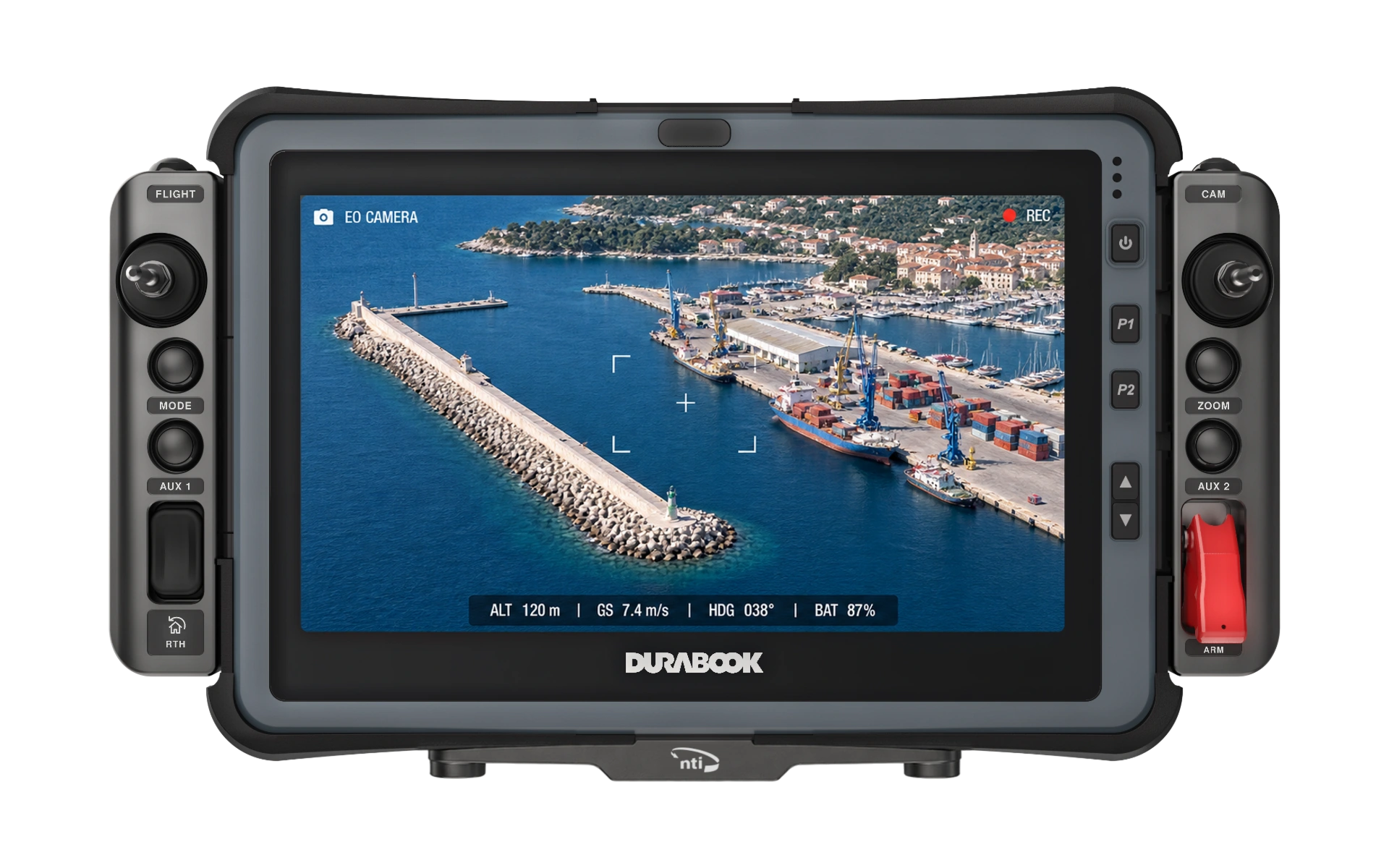
Dragonfly ND-8 Flex
Compact Ground Control with Fast Battery Access
- Display
- 8″
- OS
- Windows / Linux
- Processor
- Intel
Ground Control Systems
Dragonfly ND-11
Advanced Rugged Control for Industrial and Autonomous Systems
- Display
- 11.6″
- OS
- Linux
- Processor
- Intel

Ground Control Systems
Dragonfly NR-8 Dual
Rugged Control with Expanded Dual-Screen Visibility
- Display
- 8″
- OS
- Windows / Linux
- Processor
- Intel

Ground Control Systems
Dragonfly NR-8
Rugged Control for Challenging Field Environments
- Display
- 8″
- OS
- Windows / Linux
- Processor
- Intel
Start a requirements discussion
Tell us about your project
Let’s discuss the right NZ-14 configuration for your system.
Contact Us